less weight.
50.1 GB → 25.5 GB
15,578 photos from a real delivery.
Result of our own test with event photos on a Mac. The savings depend on your photos: those that already come heavily compressed barely change. How we measure our results
See for yourself
See the difference.
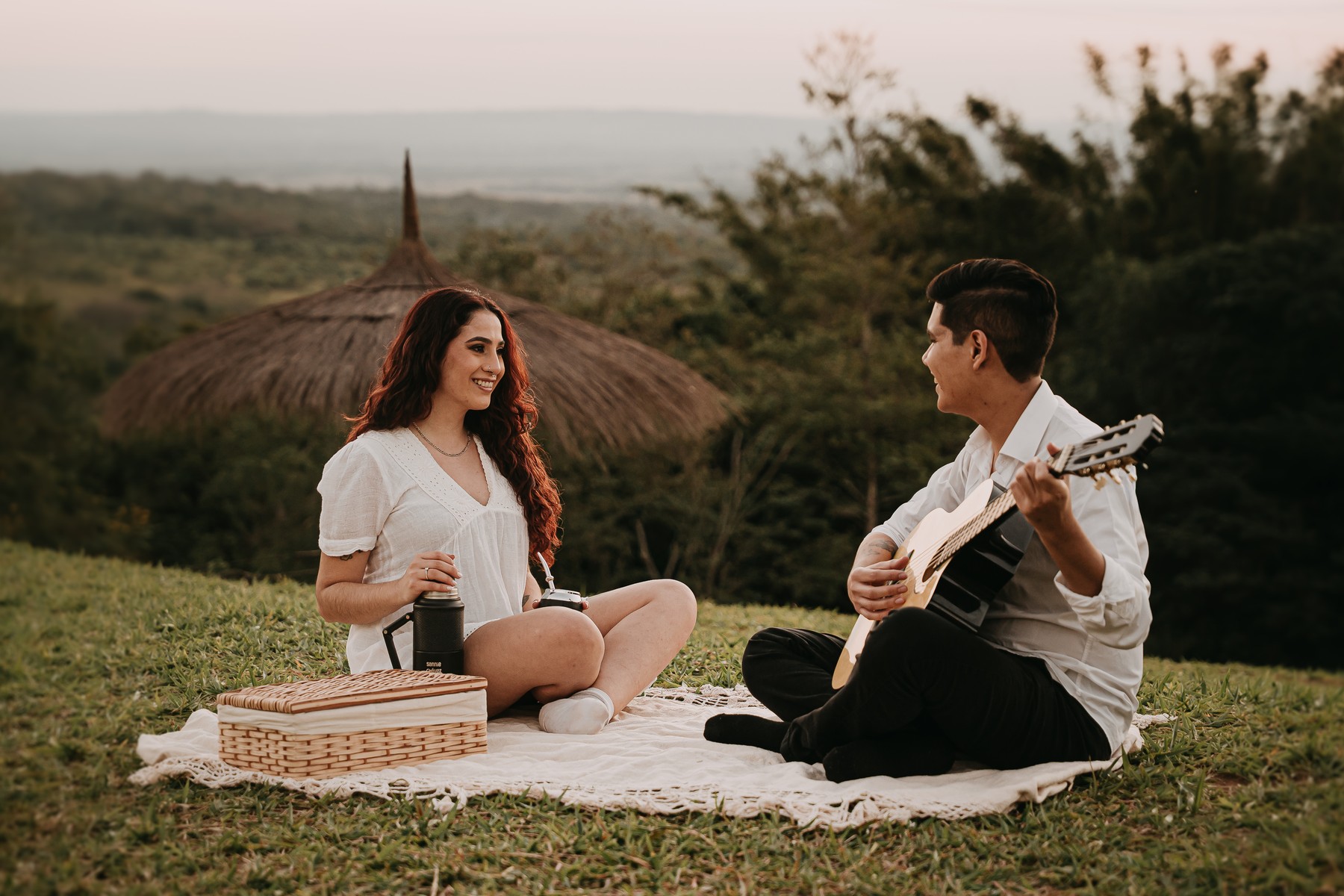
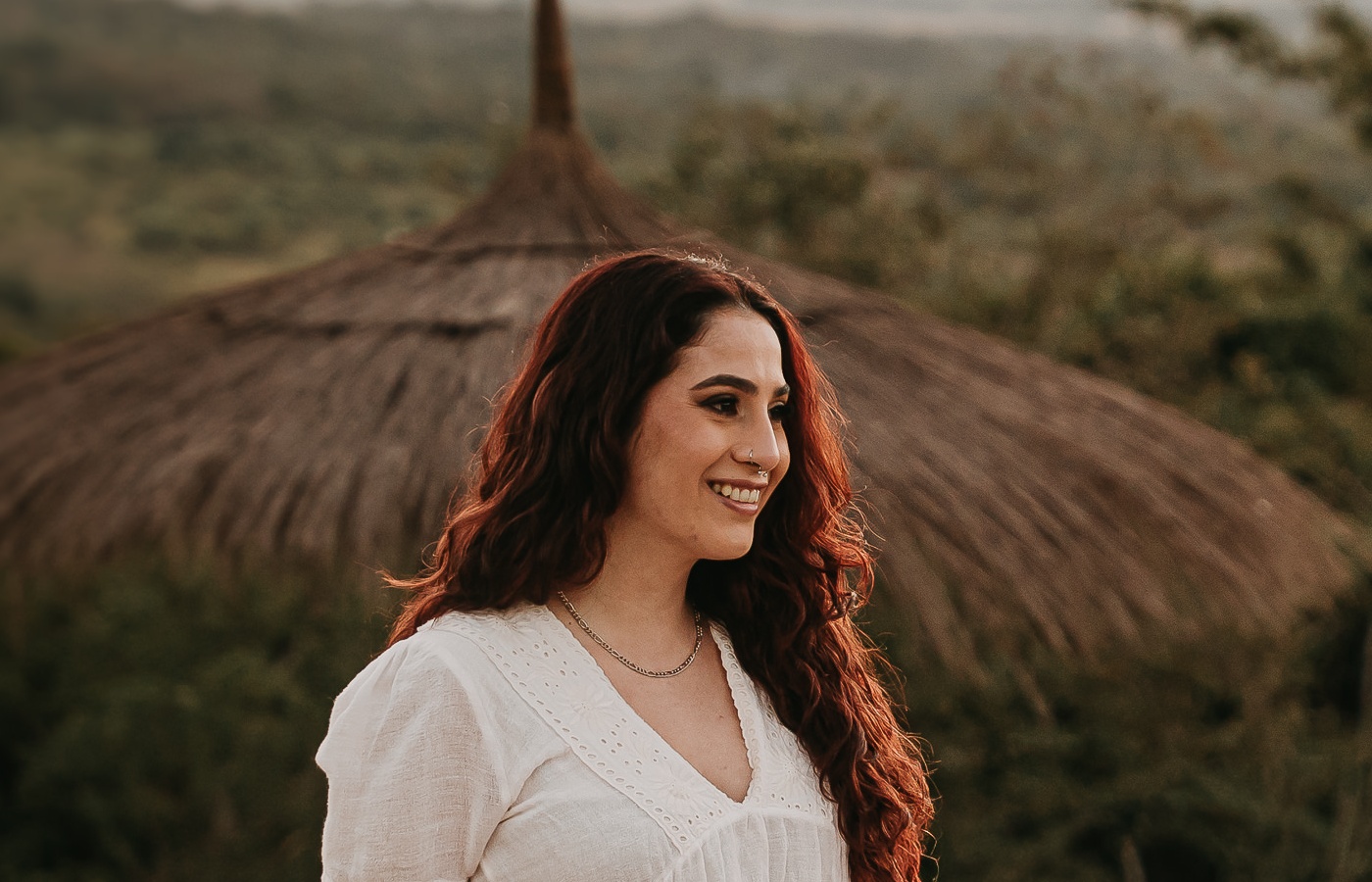
Drag the bar to compare the original with the optimized photo. Switch to 100 % detail to look closely.
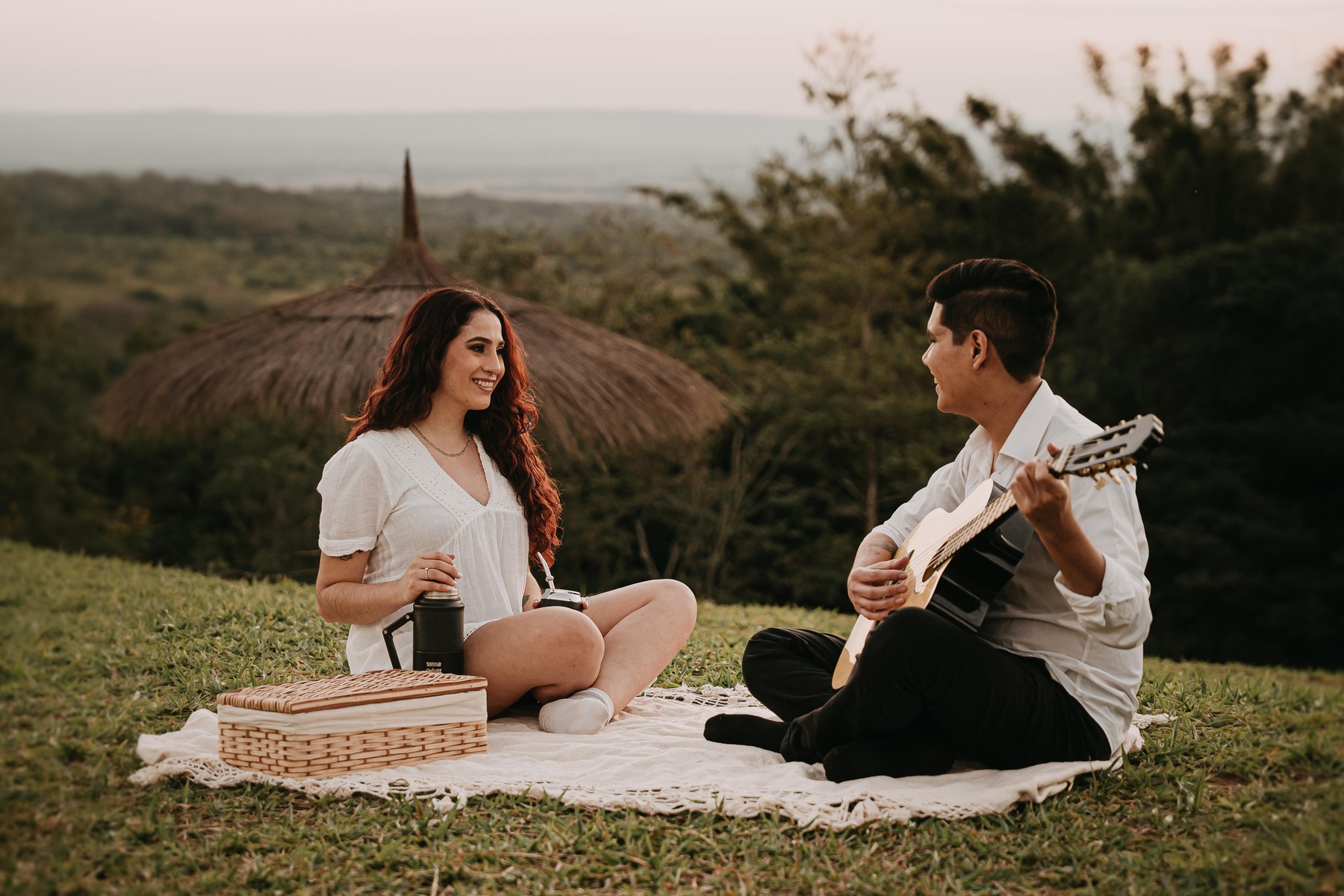
 ORIGINAL2.6 MB
OPTIMIZED0.8 MB
ORIGINAL2.6 MB
OPTIMIZED0.8 MB
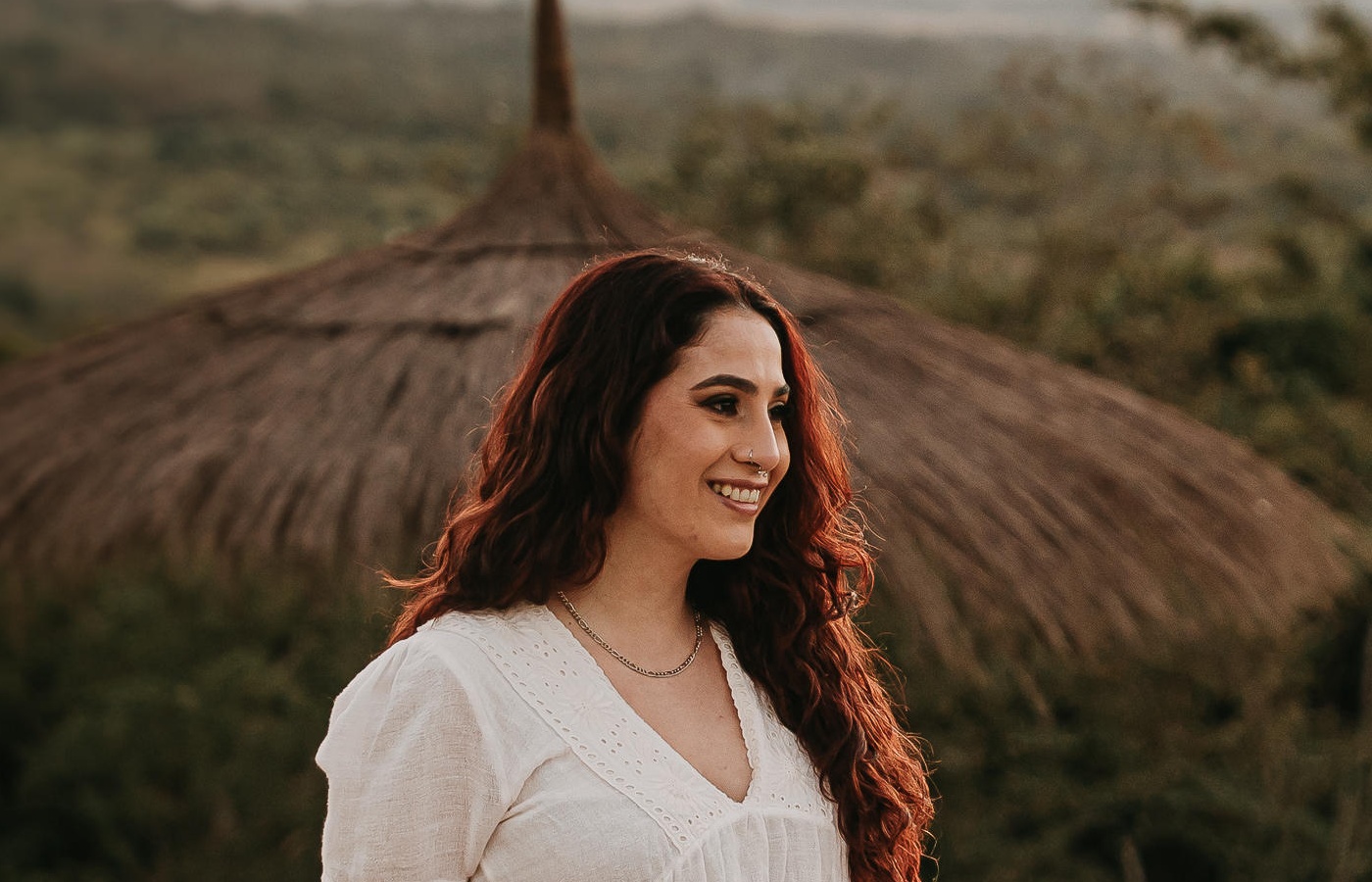
 ORIGINAL2.6 MB
OPTIMIZED0.8 MB
ORIGINAL2.6 MB
OPTIMIZED0.8 MB
How it works
Drag. Compress. Done.
Drag
Drop your photos or whole folders.
Optimize
The app reduces the weight and verifies every file.
Enjoy
Your photos end up lighter, with their important data intact.
See how it works
As simple as it looks.
Drop your photos or a folder, review and optimize. All on your Mac.
Made for your work
More space, less waiting.


Fewer gigabytes
More room for your next deliveries.


Less waiting
Thousands of photos processed in minutes, whole folders at once.


More peace of mind
Your photos stay on your Mac. Nothing is uploaded to the internet.
Care for every photo
Your photos deserve care.
It checks the color, the data and the dimensions of every image. If a photo does not pass the check, your original is kept. How we measure it
What's included
Everything included. Free, for now.
Free trial
Gs.0
By invitation, no card and no account. All features, no photo limit.
- JPEG, HEIC and PNG, loose or in folders
- Huge batches in a single pass
- Verifies every photo: color, size and data
- Originals kept safe by default
- Watched folder: optimizes whatever arrives, on its own
- “Open with” from the right-click menu
- Keeps your data: camera, GPS and copyright
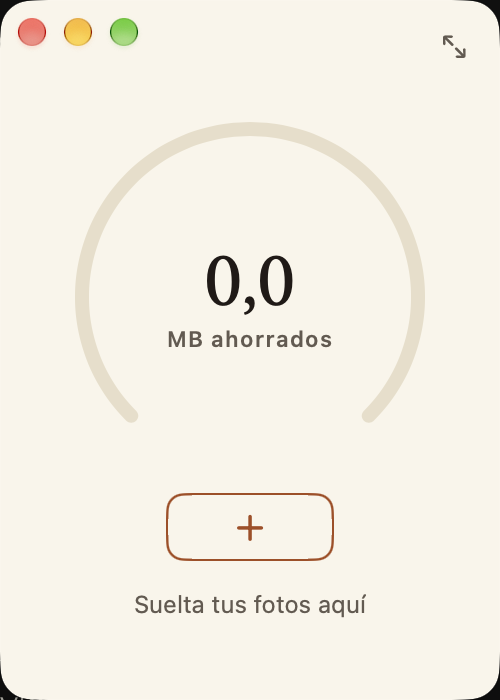
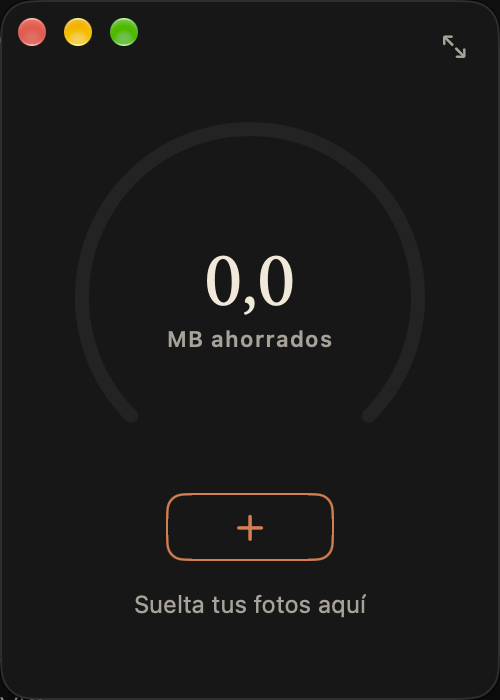
- Compact window always in view
- History of what you save
- Output size and conversion to JPEG, optional
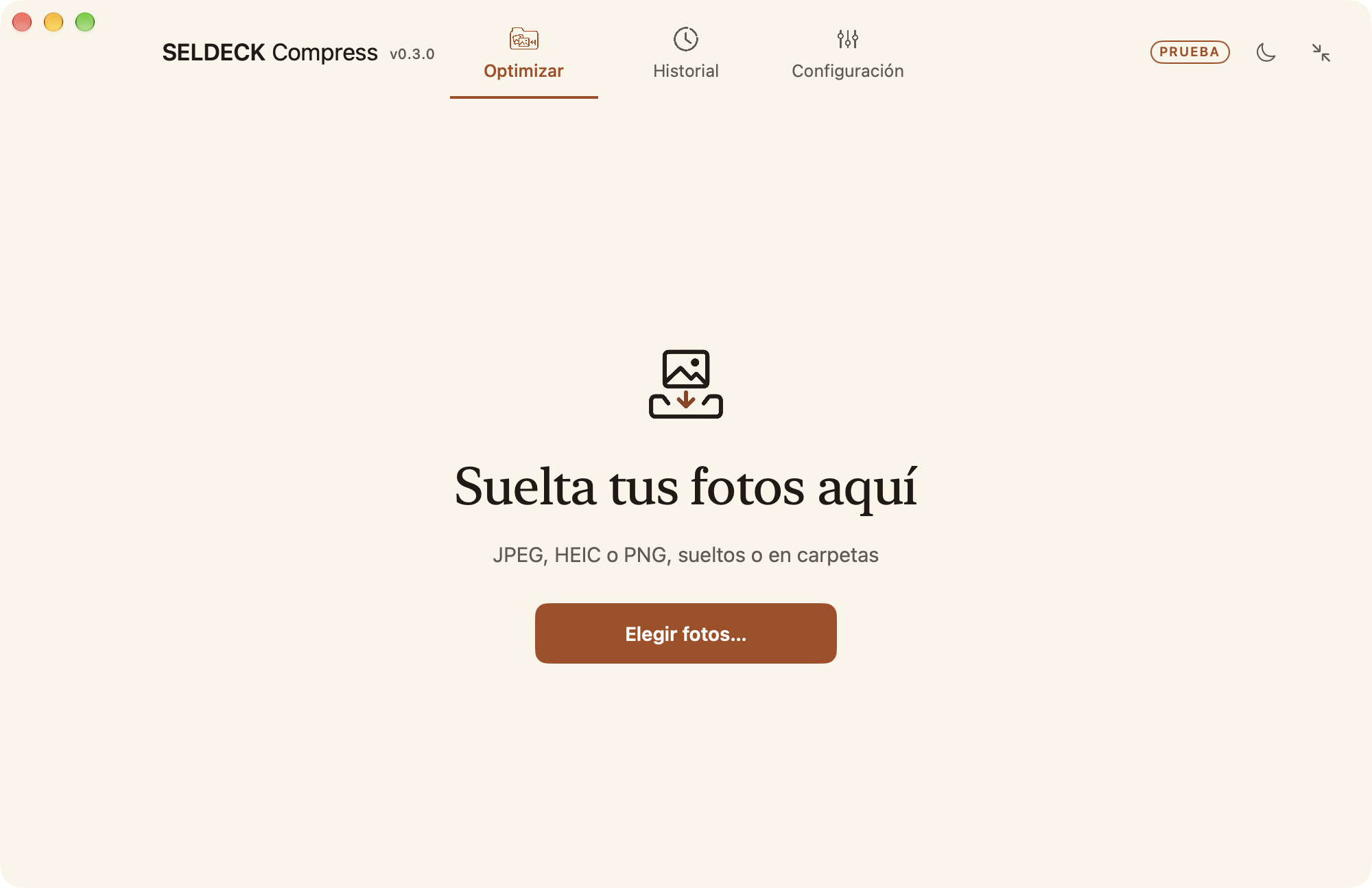
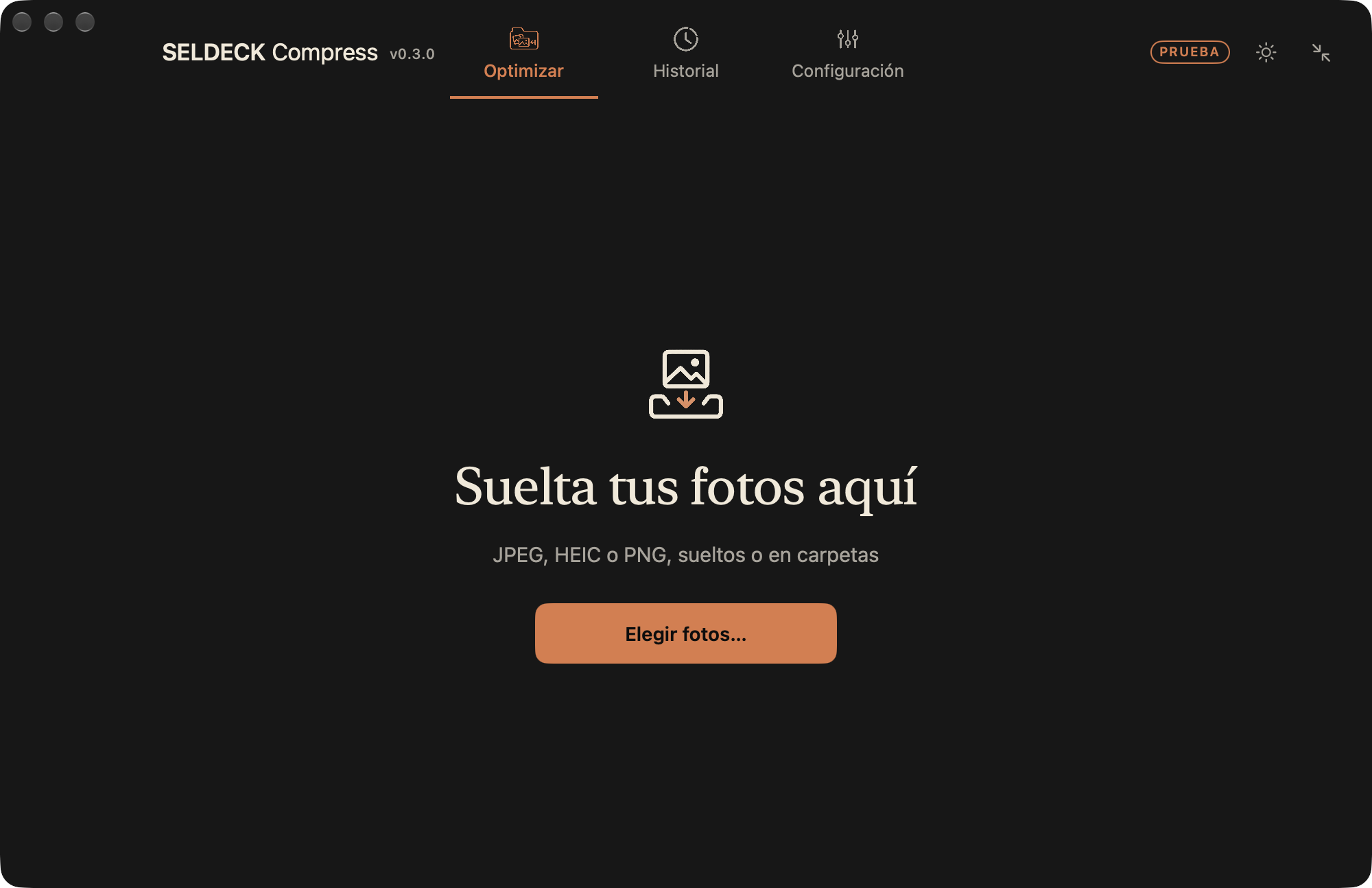
- Spanish, English and Portuguese · light and dark
- Updates itself
Later on, SELDECK Compress will be included with your SELDECK subscription. We will let you know before any change.
Free access by invitation
More room for what comes next.
Try SELDECK Compress free on your Mac. You do not need to create an account: just your email so we can send you the invitation once we accept your request.
Request received.
We sent an email to to confirm it arrived.
Questions
What people ask us most.
Do I lose quality?
Reducing the weight of a JPEG means recompressing it, and that changes the image. We measure the quality and compare it with the original at full size: in our blind tests no difference was noticed. It was a test with one person and event photos; check your own photos.
What happens to my originals?
By default they are not touched: the result goes to a new folder. If you turn on “Replace originals”, each photo is replaced only if it weighs less and passes the check, and no copy is left. Make a backup first.
Are my photos uploaded to any server?
No. Everything is processed on your Mac and the app does not need the internet to work. In the trial version we ask you once whether you want to send anonymous usage figures (how many photos, how much you save, errors); never your photos, their names or your folders, and you can say no.
Is it free?
The trial version is free and by invitation: request your access above and we will send you your link. There is no price set yet; we will let you know before any change.
More questions
Does it work with Lightroom?
Yes: export your photos as usual and drop the folder into SELDECK Compress. There is no plugin inside Lightroom yet.
Why does my Mac warn me when I install it?
The trial version is not signed by Apple yet, which is why macOS asks for an extra permission the first time. The download page has the steps with screenshots.
What else is included?
HEIC and PNG, with optional conversion to JPEG; choosing the delivery folder or the output size; a compact window that stays in view; a history of your savings; light and dark mode; and Spanish, English and Portuguese. It needs macOS 13 or later, with an Apple or Intel chip.